
Last updated · Reviewed by the PinSaveHD team · How we check facts
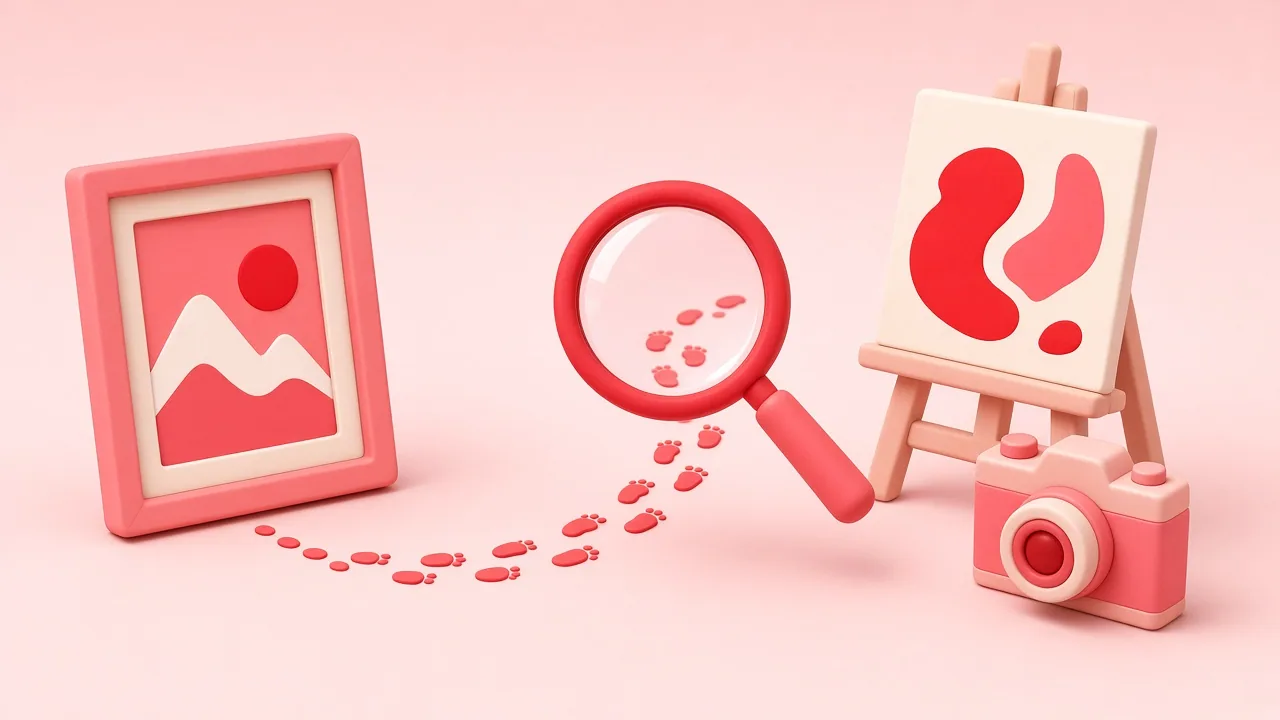
To trace a Pinterest image, check the pin’s source link and creator, then run a reverse image search with Google Lens, Bing or TinEye. Look for the earliest and largest copy, often on a portfolio or brand site, and credit that creator.
Published 2026-10-31 · by the PinSaveHD team
Images on Pinterest travel. A photo uploaded by a blogger gets saved, re-pinned, screenshotted and re-uploaded until the original link is lost. Before you use an image for anything beyond personal reference, it is worth finding where it really came from.
Start with the pin itself
Many pins link to a website. On the pin page, look for the visit button or the linked domain. The pin metadata viewer and our image source finder show this link when Pinterest provides it, along with the creator name and board.
Check that the link is genuine
Some links lead to unrelated pages, spam or sites that also copied the image. Open the linked page and confirm the image appears there, ideally with a byline, a date and other photos from the same shoot.
Use reverse image search
Reverse image search tools compare the picture against images they have indexed. Useful options include Google Lens, Bing Visual Search and TinEye. Each indexes the web differently, so trying more than one is often worthwhile. The source finder opens all of them with the pin's image already filled in.
Look for the earliest and largest version. The original is often higher resolution, uncropped and without added text.
Read the image for clues
- Watermarks, signatures or a website address in a corner.
- Distinctive text on packaging or signs that you can search for.
- A recognisable style that matches a photographer or illustrator.
Compare versions
If you find several copies, compare their dates, sizes and context. A blog post with step-by-step photos is far more likely to be the original than a listicle that uses the same picture once.
Record what you find
Note the creator, the original URL and the date you checked. If you later ask for permission or credit the creator, you have the details ready.
When to stop and not use the image
- You cannot identify the creator at all.
- The image shows identifiable people in a private context.
- The source clearly states that reuse is not allowed.
In those cases, look for an image with a clear licence instead, or create your own. Finding a source is not the same as getting permission; it is the first step towards asking for it.
Why sources get lost in the first place
When someone saves a pin, the link usually travels with it. Problems start when people download an image and upload it again as a new pin, crop it, add text, or link it to their own page. Each re-upload can break the chain back to the creator. That is also why a pin with many saves is not necessarily the original.
A worked example of the process
Suppose you find a kitchen photo with no link. First check the pin's metadata for a creator name. Next run the image through two reverse search engines and sort by the largest size. If one result is a design blog post from an interior studio with the same room photographed from several angles, that is a strong candidate for the original. Contact the studio through their own site if you want to use the photo.
Written and reviewed by the PinSaveHD team. We test every step on real public pins. Spotted an error? Tell us.
Related guides
 Pinterest File Formats: MP4, JPG, PNG, WebP, GIFWhich formats Pinterest uses for videos, images and animations, what you get when you download, and how to convert them when an app refuses a file.
 Pinterest Image Sizes 2026: Cheat SheetEvery Pinterest size in one place: standard pins, long pins, Idea Pins, board covers, profile images — plus export tips for sharp results.
 Turn Pinterest Pins Into Real Colour PalettesHow designers, decorators and brand builders extract usable HEX palettes from pins — and avoid common colour mistakes.
Try the tools


Browse: more safety & rights · all Pinterest guides · Pinterest downloader FAQ · all free tools