
Last updated · Reviewed by the PinSaveHD team · How we check facts
To build a palette from Pinterest, collect 5–10 pins with the mood you want, run each through a colour extractor and keep 5–6 HEX codes. Test them on real backgrounds and check text contrast. Screens differ, so treat extracted colours as a starting point.
Published 2026-10-31 · by the PinSaveHD team
Pinterest is the world's biggest mood board. The hard part is turning a beautiful pin into colours you can actually use in a logo, a website, or a paint order. Here's a practical workflow.
1. Pick strong source pins
Choose pins with clear lighting and few competing elements. Photos with heavy filters or neon light shift colours dramatically. Save three to five pins that share a mood rather than one perfect image.
2. Extract the palette
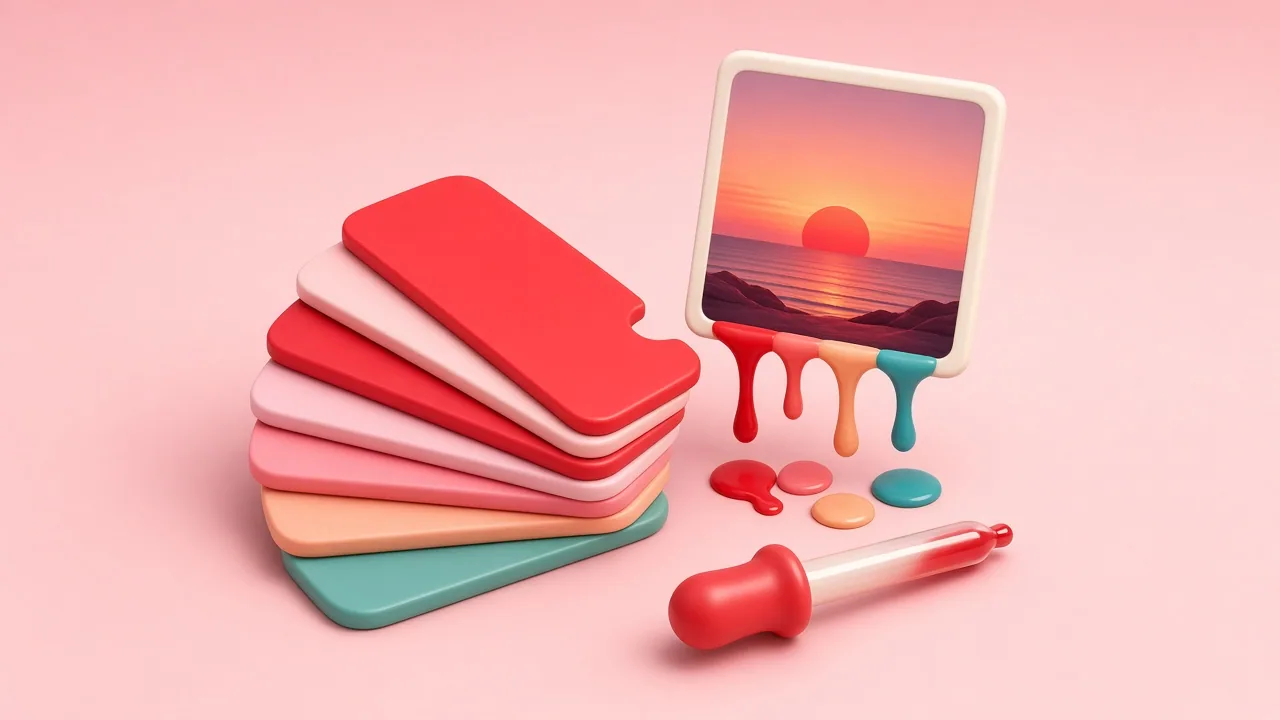
Paste each pin into the colour palette extractor. It groups similar pixels with a median-cut algorithm and shows the dominant colours sorted by coverage. Click any swatch to copy its HEX code, or export them all as CSS variables.
3. Reduce to a working palette
A usable brand palette usually has: one or two primary colours, one accent, and two or three neutrals (off-white, grey, near-black). Try the 60-30-10 rule: 60% neutral background, 30% primary, 10% accent.
4. Check contrast
Text needs a contrast ratio of at least 4.5:1 against its background to meet WCAG AA. Pastel palettes look lovely on Pinterest but often fail for body text — keep a dark neutral for type.
5. Translate for print and paint
Screen colours (RGB/HEX) don't map perfectly to paint or CMYK print. Use your HEX codes to find the nearest swatches, then always check physical samples in the actual room lighting.
6. Keep your pins consistent
Once you have a palette, use it on your own pins. Combine it with the Pin Creatorpin resizer for consistent 1000×1500 layouts, and you'll have a recognisable feed in weeks.
Written and reviewed by the PinSaveHD team. We test every step on real public pins. Spotted an error? Tell us.
Related guides
 Pinterest File Formats: MP4, JPG, PNG, WebP, GIFWhich formats Pinterest uses for videos, images and animations, what you get when you download, and how to convert them when an app refuses a file.
 Pinterest Image Sizes 2026: Cheat SheetEvery Pinterest size in one place: standard pins, long pins, Idea Pins, board covers, profile images — plus export tips for sharp results.
 How to Find the Original Source of a Pinterest ImageUse the pin link, the pin description, reverse image search and visual clues to find who created an image before you use it.
Try the tools


Browse: more creator tips · all Pinterest guides · Pinterest downloader FAQ · all free tools