
Pinterest Link
Cleaner
Paste any Pinterest link. We remove tracking and invite parameters, expand pin.it short links and give you the clean, canonical address to share.
- No sign-up
- No watermark
- Free to use
Your result will appear here
Accepts pinterest.com links (any country domain) and pin.it short links.
Last updated · Reviewed by the PinSaveHD team · How we check facts
The PinSaveHD Link Cleaner removes extra tracking parameters from Pinterest links and returns a short, clean address like pinterest.com/pin/ID/. Paste one or more links and copy the result. The link still opens the same pin; it just carries less data.
Key facts
- Removes query parameters such as utm_ tags.
- Keeps the pin, board or profile path intact.
- Runs in your browser.
How do I use the Link Cleaner?
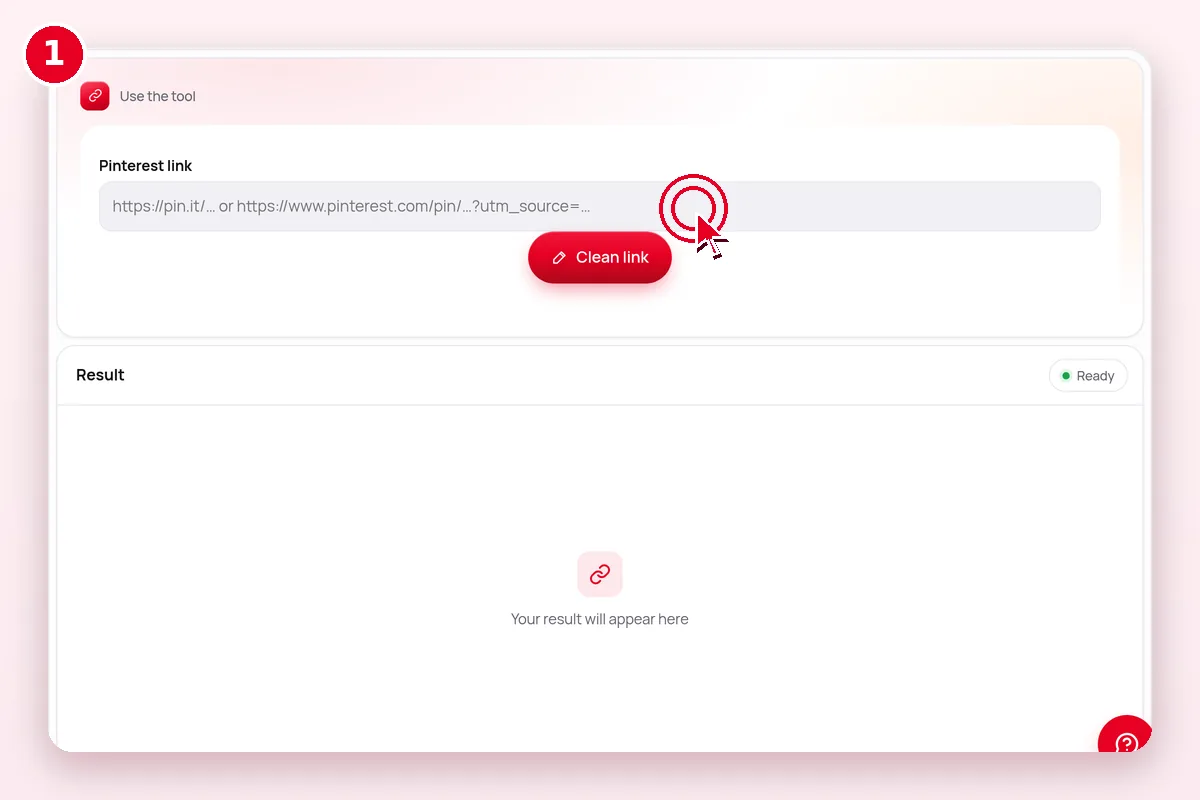 1
Paste a link
Any pinterest.com or pin.it URL.
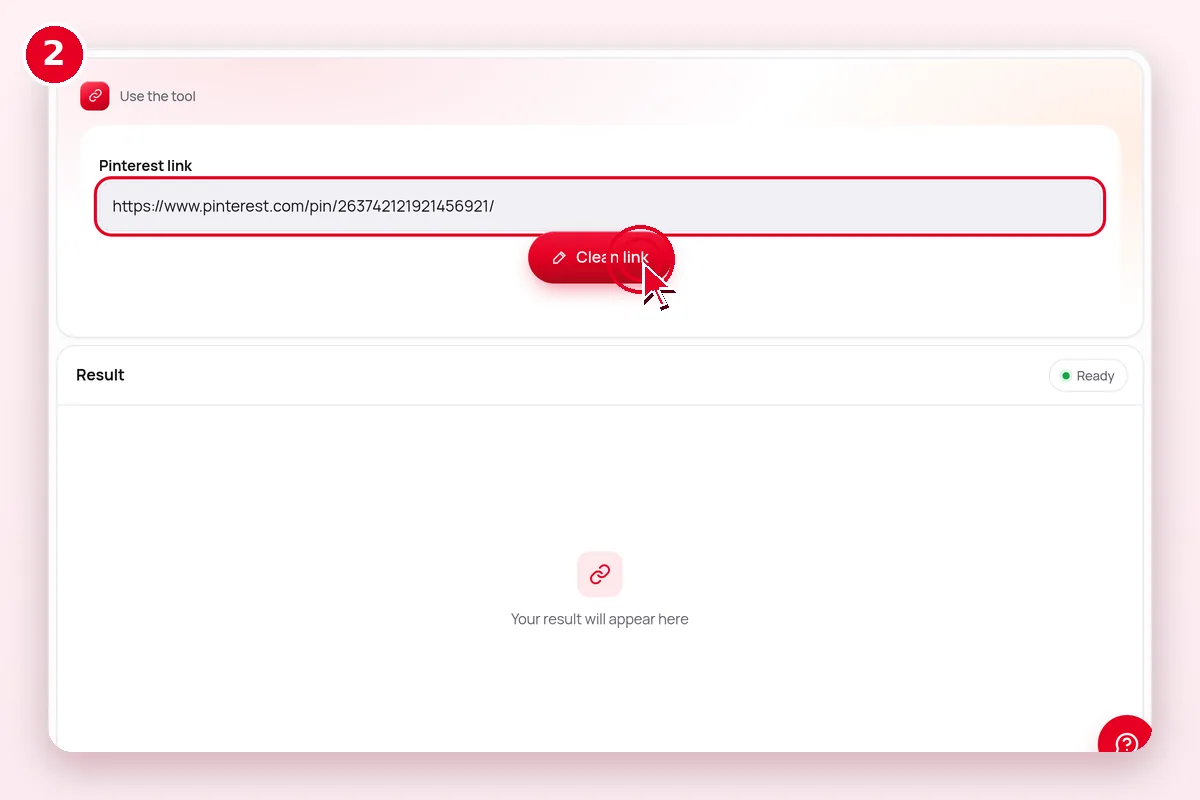 2
Clean it
Tracking parameters are removed.
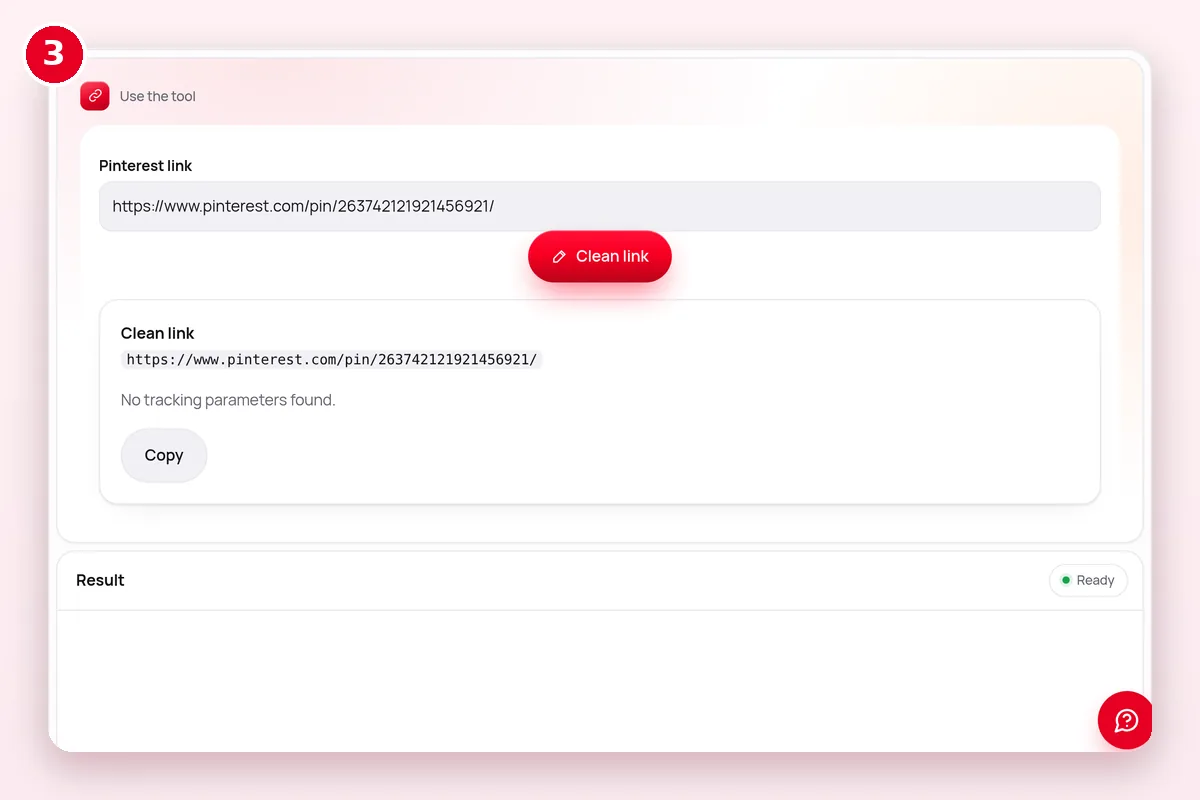 3
Copy and share
Use the canonical URL anywhere.
What does the Link Cleaner do?
| Question | Answer |
|---|---|
| What goes in? | Pinterest links |
| What comes out? | Short links without tracking |
| Where does it run? | In your browser |
| Cost | Free, no account |
| Limits | Public Pinterest content only |
What if it doesn’t work?
| Symptom | Likely cause | Fix |
|---|---|---|
| Nothing happens | JavaScript blocked or an old browser | Update the browser and allow scripts for this site |
| Pin link not accepted | Search, ideas or private link | Open the single pin and copy its /pin/ link |
| Result looks blurry | Small source image | Start from the original image, not a preview |
| Download button does nothing on iPhone | Safari opened the file in a tab | Tap Share → Save to Files |
Related Pinterest tools
 Media ConverterWebP→JPG/PNG · MP4→GIF
 pin.it ExpanderUnshorten pin.it links
 Caption & HashtagsCopy text & tags
 Pin Metadata ViewerEvery public field of a pin
 Video Size & Cover MakerCheck specs, make a 2:3 cover
 Pin CreatorMagic Pin, 120+ templates, 35 fonts and text effects — free, in your browser.Pin Image Resizer1000×1500 & all pin sizes
Explore: all Pinterest tools · creator tools · guides · FAQ hub · how-to guide · Pinterest glossary · use cases · blog
Guides for this tool
More on pinterest links and sharing:
- How to Copy a Pinterest Pin Link on Any Device
- pin.it Short Links Explained
- Clean Pinterest Links: Remove Tracking Parameters
- How to Embed a Pinterest Pin, Board or Profile
Questions? See the Pinterest downloader FAQ or download troubleshooting.
Frequently asked questions
Why clean a Pinterest link?
Shorter links look better, are easier to read and share less tracking data.
Will the clean link still work?
Yes. The pin path is kept; only extra parameters are removed.
Is this tool free?
Yes. Every PinSaveHD tool is free and needs no account.
Do I need a Pinterest account?
No. You never sign in to Pinterest through us.
Do I need to install anything?
No. It works in any modern browser on phone or computer.