
Last updated · Reviewed by the PinSaveHD team · How we check facts
Build a Pinterest mood board in four steps: collect pins on a secret or public board, cut it down to the strongest 15–25, extract a colour palette, and export references with source links. Credit creators and keep downloaded files for internal use.
Published 2026-10-31 · by the PinSaveHD team
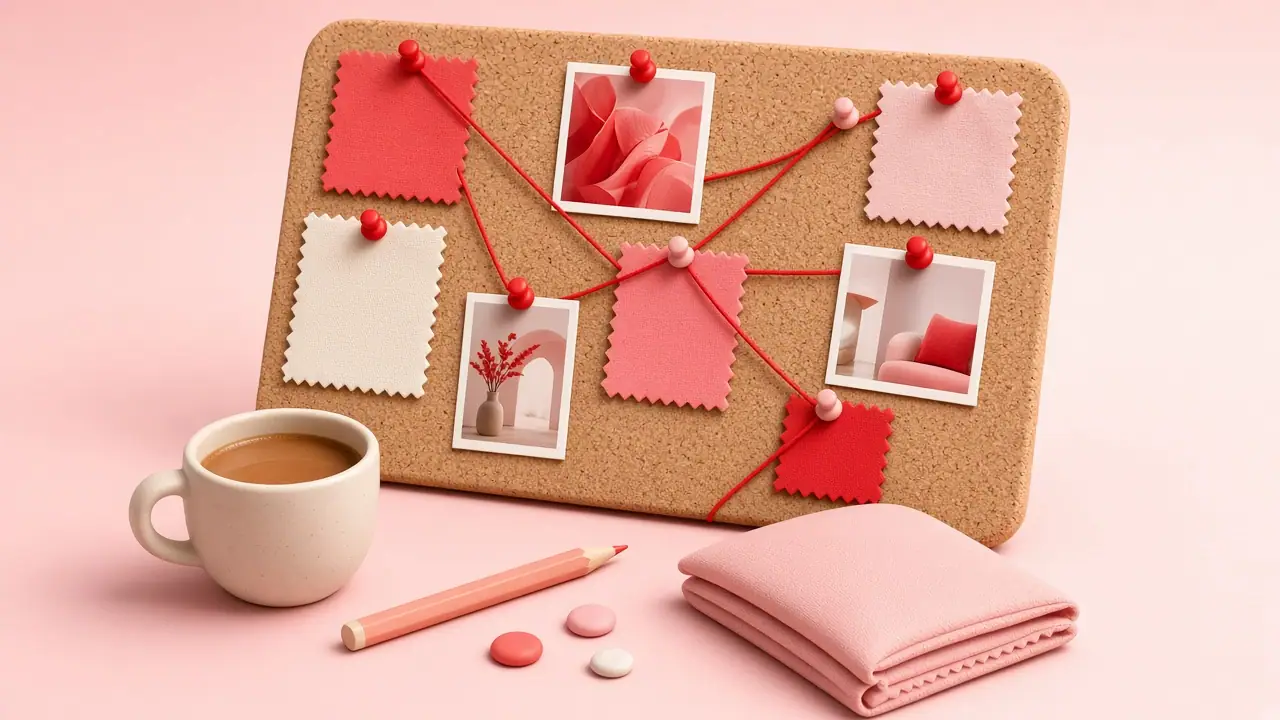
Pinterest is where many design projects begin, but a board full of hundreds of pins is not yet a mood board. Here is a workflow that turns inspiration into something you can present.
1. Collect broadly, in a dedicated board
Create a board per project and use sections for themes: colour, texture, typography, layout. Keep it secret if the client has not announced the project — just remember downloaders only see public boards.
2. Cut it down
Pick 12–20 pins that genuinely agree with each other. A tight selection communicates direction better than volume.
3. Extract a palette
Run your favourite pins through the colour palette extractor and keep five or six HEX values that recur.
4. Export references
For a public board, the board downloader exports about the 50 most recent pins as a ZIP with a manifest of original links, so you can credit sources.
5. Present it
Lay out the images with the palette and two or three keywords. Link back to the original pins in your notes.
Written and reviewed by the PinSaveHD team. We test every step on real public pins. Spotted an error? Tell us.
Related guides
 How to Download a Pinterest Board (and Its Limits)Export a public Pinterest board to a ZIP of images with a manifest — plus how to handle large boards, videos and sections.
 How to Back Up Your Own Pinterest BoardsOptions for keeping a copy of your Pinterest content: the official data request, board exports and manual backups.
 Private, Secret & Group Boards: What You Can SaveHow Pinterest board visibility works, why downloaders only see public boards, and the legitimate ways to back up your own private boards.
Try the tools


Browse: more creator tips · all Pinterest guides · Pinterest downloader FAQ · all free tools