
Last updated · Reviewed by the PinSaveHD team · How we check facts
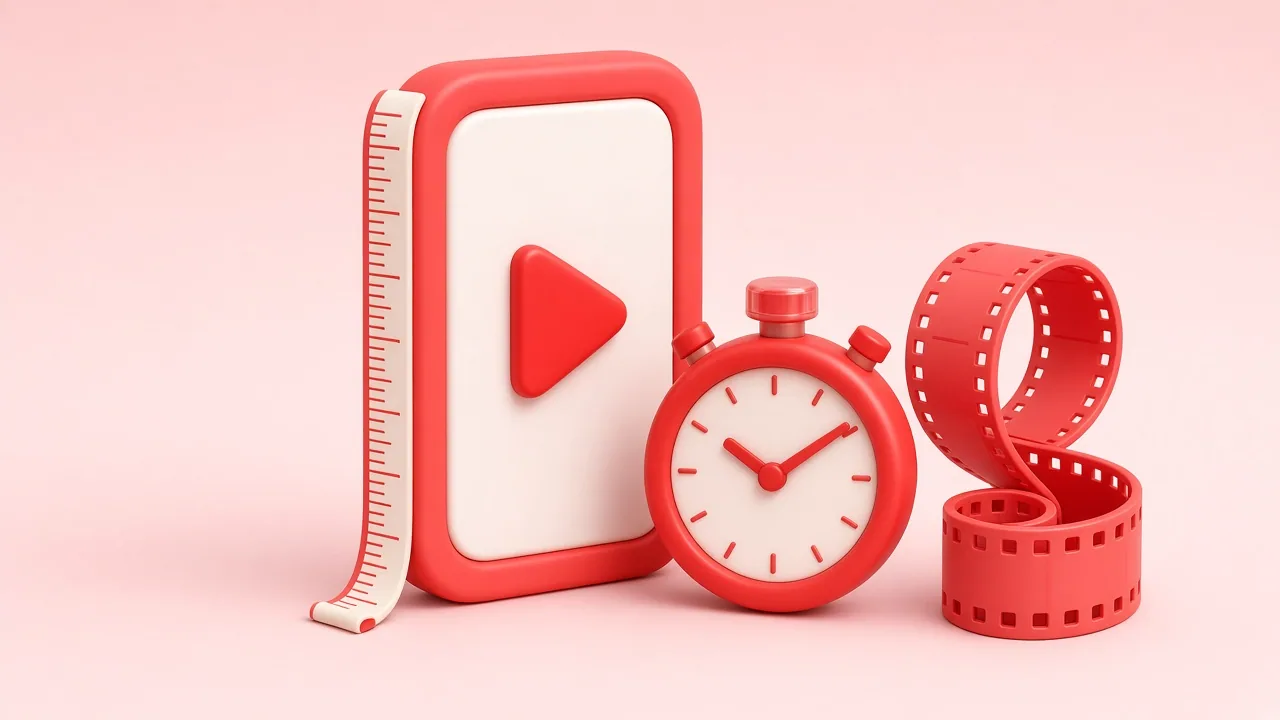
Pinterest video pins accept MP4, MOV or M4V files with H.264 or H.265 encoding, up to 2 GB and 4 seconds to 15 minutes long. Pinterest recommends square (1:1) or vertical (2:3, 4:5, 9:16) video. Add a clear cover image and keep key text away from edges.
Published 2026-10-31 · by the PinSaveHD team
Video pins get more attention in the Pinterest feed than almost anything else, but a clip that looks perfect on your phone can still be cropped, compressed or ignored once it is uploaded. Getting the technical basics right is the cheapest way to make every video pin look professional. This guide collects the specifications that matter in 2026 and explains why each one is important.
Aspect ratio: vertical wins
Pinterest is a vertical, scrolling feed. Square (1:1) and landscape (16:9) videos still play, but they occupy far less of the screen. The safest choice for a standard video pin is 2:3 (for example 1000×1500), which matches the shape of a classic image pin and sits neatly in the grid. Full-screen 9:16 (1080×1920) works well too, especially for multi-page Idea Pins, but the feed may show a cropped preview, so keep titles and faces in the centre of the frame.
Resolution and file size
Upload at least 720 pixels wide; 1080 pixels is better because Pinterest re-encodes everything and a sharper source survives compression more gracefully. Keep in mind that most pins are delivered to viewers at around 720p regardless of what you upload — which is why PinSaveHD always shows the real resolution next to each download instead of promising “4K”. MP4 or MOV with H.264 video and AAC audio is the most reliable combination. Files up to about 2 GB are accepted, but smaller files upload faster and fail less often on mobile connections.
Length: shorter is usually better
Pinterest allows long videos, yet the clips that perform best are typically 6 to 15 seconds for quick inspiration and up to about a minute for tutorials. Viewers decide in the first two seconds whether to keep watching, so open with the finished result — the plated dish, the styled room, the completed craft — and then show how you got there. Remember that many people browse with the sound off: add on-screen text for key steps.
The cover image matters more than you think
Before a video plays, people see its cover. A blurry mid-motion frame looks unfinished next to crisp image pins. Pick a clear, well-lit frame with the subject centred, and add a short headline if it suits your style. Our video size & cover maker checks a clip against these specs in your browser and lets you scrub to the best frame and export it as a 2:3 JPG. Nothing is uploaded to our server.
Titles, descriptions and links
Pinterest is a visual search engine, so words still count. Write a title that says exactly what the viewer will learn or see, use a natural description with the keywords people would search for, and add a destination link if you have a relevant page. Avoid stuffing dozens of hashtags; a few precise ones are plenty.
A quick pre-upload checklist
- 2:3 or 9:16, at least 720 px wide (1080 px preferred).
- H.264 MP4, AAC audio, under a few hundred megabytes.
- Strong first two seconds and readable on-screen text.
- A sharp, deliberate cover image.
- A clear title and a helpful description.
Tick those boxes and your video pins will look as good in the feed as they did in your editor.
Written and reviewed by the PinSaveHD team. We test every step on real public pins. Spotted an error? Tell us.
Related guides
 Pinterest Video Quality: 720p, HEVC, HLS & the 4K MythWhy most Pinterest videos max out at 720p, what H.264, HEVC and HLS mean, and how to choose the right file every time.
 Download Pinterest on Phone: Android vs iPhoneWhere files end up, which browser to use and how to get pins into your gallery on Android and iOS without installing an app.
 Download Pinterest Videos on iPad and ChromebookStep-by-step instructions for iPadOS Safari and ChromeOS, where downloads are saved and how to move them into Photos or Google Drive.
Try the tools


Browse: more quality & formats · all Pinterest guides · Pinterest downloader FAQ · all free tools