
Last updated · Reviewed by the PinSaveHD team · How we check facts
Most Pinterest videos are stored at up to 720p, sometimes 1080p, and never in 4K. Files come as H.264 MP4 (plays everywhere), smaller HEVC MP4 or HLS streaming playlists. Choose the largest H.264 file for the best mix of quality and compatibility, and be wary of any “4K” label.
Published 2026-10-31 · by the PinSaveHD team
If you've ever downloaded a Pinterest video and wondered why it isn't as crisp as the “HD 4K” button promised, this article is for you. Pinterest is a fantastic video platform, but it is not a high-bitrate archive. Understanding how it stores video helps you pick the right file — and spot downloaders that mislabel theirs.
What happens when a video is uploaded
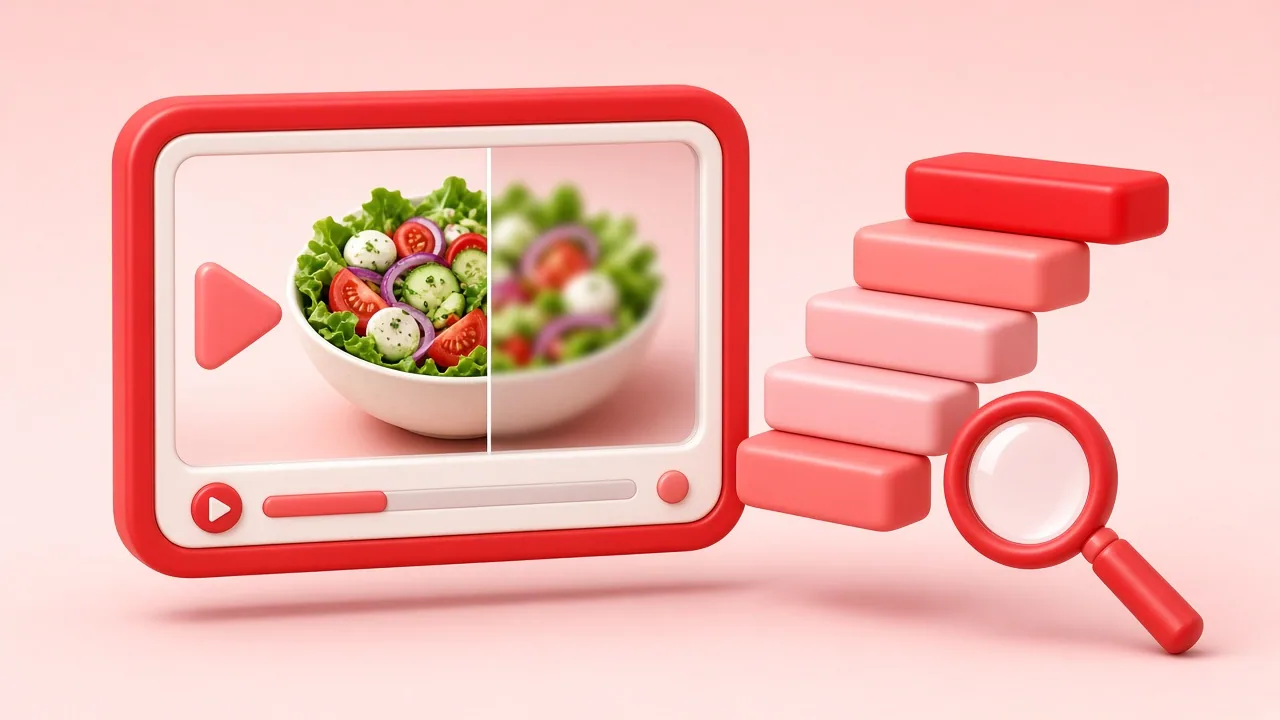
Creators can upload clips up to several gigabytes. Pinterest doesn't serve that original file. Instead it transcodes the upload into a ladder of versions so the video starts quickly on any connection: an H.264 MP4 (in our testing usually about 720 pixels wide), several HEVC (H.265) MP4s from roughly 240p to 720p, and HLS playlists for adaptive streaming. Higher renditions occasionally exist for partner or recent content, but 720p is the common ceiling.
H.264 vs HEVC
Both are video codecs — ways of compressing moving images. H.264 is the universal one: it plays on every phone, browser, TV and editor made in the last fifteen years. HEVC is newer and about 30–50% more efficient, so files are smaller at the same quality, but support is patchier: older Android devices, some Windows installs without the HEVC extension, and many free editors can't open it. Our rule of thumb: choose H.264 unless you need the smallest file and know your device supports HEVC.
What HLS means
HLS (HTTP Live Streaming) splits a video into small chunks listed in a playlist (.m3u8). The app switches between quality levels as your connection changes. A playlist isn't a file you can open in your gallery, so PinSaveHD lists the direct MP4 that Pinterest also stores for the same video, at the same quality.
The 4K myth
A 4K video is 3840×2160 pixels. If Pinterest stores a clip at 720×1280, no downloader can produce more detail than that; it can only stretch the pixels (which makes the file bigger, not better) or simply print “4K” next to the 720p file. We consider that misleading, so we read each rendition's real dimensions and print them on the button.
How to check a file's real resolution
- iPhone: open the video in Photos, swipe up — the info panel shows dimensions.
- Android: Google Photos → ⋮ → Details.
- Windows: right-click → Properties → Details → Frame width/height.
- Mac: select the file in Finder and press ⌘I, or open it in QuickTime → Window → Show Movie Inspector.
Getting the best possible result
- Pick the largest H.264 file listed.
- Don't re-encode it unless you must; every re-encode loses quality.
- If you need it vertical-friendly for Reels or TikTok, crop in an editor rather than upscaling.
- If the pin links to YouTube or Vimeo, download from the source with permission — those files can be higher quality.
Ready to try it? Paste a pin into the video downloader and look at the labels — you'll see exactly what Pinterest stores.
Written and reviewed by the PinSaveHD team. We test every step on real public pins. Spotted an error? Tell us.
Related guides
 Download Pinterest on Phone: Android vs iPhoneWhere files end up, which browser to use and how to get pins into your gallery on Android and iOS without installing an app.
 Download Pinterest Videos on iPad and ChromebookStep-by-step instructions for iPadOS Safari and ChromeOS, where downloads are saved and how to move them into Photos or Google Drive.
 5 Ways to Save a Pinterest Video, ComparedPinterest’s own save button, the app download option, screen recording, browser developer tools and a web downloader: pros, cons and quality of each.
Try the tools


Browse: more quality & formats · all Pinterest guides · Pinterest downloader FAQ · all free tools