
Last updated · Reviewed by the PinSaveHD team · How we check facts
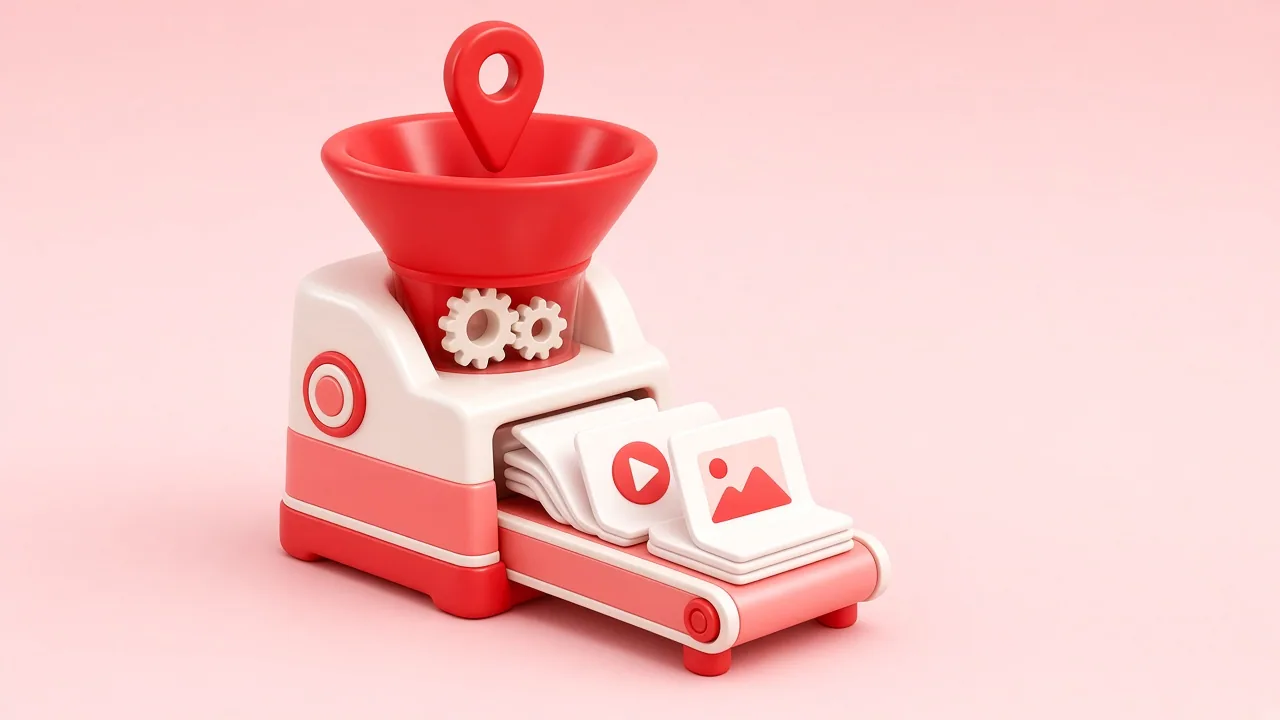
A Pinterest downloader is a web tool that reads a public pin page, finds the media files Pinterest already serves, and gives you direct download links. It cannot open private pins or improve quality. Use it for personal copies and credit creators.
Published 2026-10-31 · by the PinSaveHD team
Pinterest does not offer a download button for videos, and its image save option keeps files inside the app. A downloader fills that gap by reading the public information Pinterest already sends to every browser.
How it works
When you open a pin, your browser receives the pin’s data: title, creator, and links to the image or video files on Pinterest’s media servers. A downloader such as PinSaveHD reads that same public data and lists the files with their real sizes. Nothing is hacked, and nothing private is touched.
What a downloader cannot do
- Open private or secret pins.
- Create a resolution that was never uploaded. If the source is 720p, “4K” labels are fiction.
- Remove the creator’s rights to their work.
Good reasons to use one
- Keeping a reference copy of a tutorial before it disappears.
- Backing up your own pins and boards.
- Building a mood board for a private project.
- Checking a video’s real resolution before reposting your own content elsewhere.
Choosing a trustworthy tool
Avoid sites that ask for your Pinterest password, force you to install an app for basic downloads, or show fake download buttons. Read is it legal and safe? for a fuller checklist.
Written and reviewed by the PinSaveHD team. We test every step on real public pins. Spotted an error? Tell us.
Related guides
 Pinterest Downloader Not Working? 9 FixesA practical checklist for failed Pinterest downloads: private pins, wrong links, expired media, browser blockers, iPhone quirks and rate limits.
 How Long Should a Pinterest Download Take?Why most pins resolve in a couple of seconds, what makes some slower, and when a long wait means something is actually wrong.
 Before You Download From Pinterest: ChecklistEight quick checks covering the link, the pin type, rights, quality, storage and safety that prevent most failed or regretted downloads.
Try the tools


Browse: more basics · all Pinterest guides · Pinterest downloader FAQ · all free tools