
Last updated · Reviewed by the PinSaveHD team · How we check facts
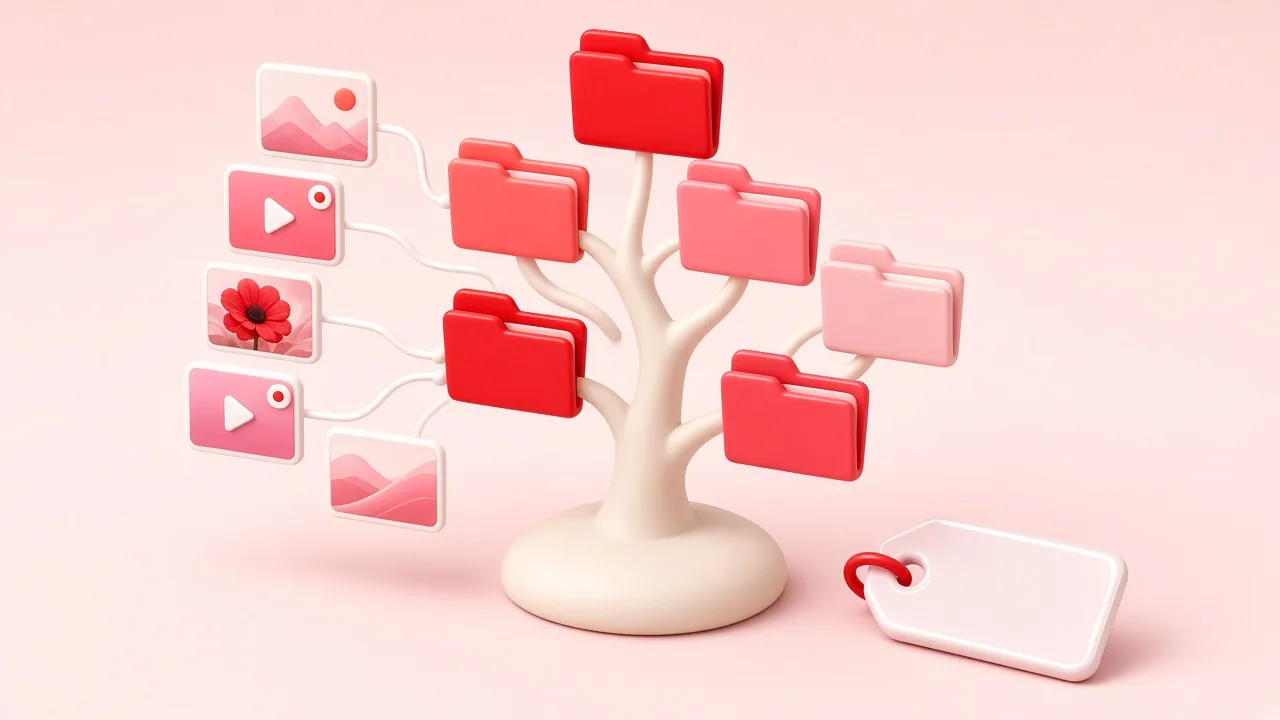
Keep saved pins tidy with one folder per project, file names that start with the date and topic, and a text note with each pin’s source link. Back up the folder to cloud storage and delete what you no longer need every few months.
Published 2026-10-31 · by the PinSaveHD team
Saving pins is easy. Finding the one you need three months later is harder. A small amount of structure, set up once, saves a lot of scrolling.
Decide what the collection is for
Mood boards for a client, recipes for the week, reference poses for drawing and video clips for an edit each need a different structure. Start by naming the two or three purposes you actually have. Everything else can go into a single "inbox" folder that you sort occasionally.
A simple folder structure
Pinterest/
  00-inbox/
  recipes/
  home-ideas/
  client-acme-moodboard/
  video-clips/
Numbering the inbox keeps it at the top of the list. Project folders can be archived when the project ends.
Rename files with meaning
Downloaded files often have long numeric names. Rename them with a short description and, ideally, the pin ID, for example lemon-chicken-263742121921456921.mp4. The pin ID lets you find the original pin again by visiting pinterest.com/pin/ID/. The pin metadata viewer shows the ID and other public fields if you need them.
Keep a source note
For anything you might use publicly, keep a record of where it came from: the pin link, the creator's name and the original website if the pin links to one. A plain text file in each folder is enough. This makes it easy to credit creators or ask for permission later. Our guide on finding the original source of an image explains how to trace that information.
On iPhone and iPad
Videos saved through Safari land in the Files app under Downloads. From there you can move them into Photos with Share → Save Video, or create folders inside Files. In Photos, albums work well for visual collections, while Files is better for named folders and documents.
On Android
Downloads appear in the Downloads folder and usually in your gallery app. Most file managers let you create folders and move files with a long press. Some gallery apps also support albums that do not move the underlying file.
On Windows, Mac and Chromebook
Set your browser to ask where to save each file, or move files out of Downloads weekly. Tags (on Mac) or the file's properties (on Windows) can hold extra keywords for search.
Back up the folders that matter
Phones get lost and laptops fail. Copy important project folders to a second location: a cloud drive, an external disk or another computer. Downloaded media is often impossible to recover once the original pin is deleted.
Prune regularly
Once a month, empty the inbox: file, delete or keep. Collections are only useful when they stay small enough to browse.
Use the pin description as a search aid
When you save something you expect to search for, paste its title and description into the source note. Operating system search indexes text files, so typing "lemon chicken" into Spotlight or Windows search will find the note and point you to the folder. It is a small habit that turns a pile of numbered files into a searchable library.
Written and reviewed by the PinSaveHD team. We test every step on real public pins. Spotted an error? Tell us.
Related guides
 How to Download a Pinterest Board (and Its Limits)Export a public Pinterest board to a ZIP of images with a manifest — plus how to handle large boards, videos and sections.
 How to Back Up Your Own Pinterest BoardsOptions for keeping a copy of your Pinterest content: the official data request, board exports and manual backups.
 Private, Secret & Group Boards: What You Can SaveHow Pinterest board visibility works, why downloaders only see public boards, and the legitimate ways to back up your own private boards.
Try the tools


Browse: more basics · all Pinterest guides · Pinterest downloader FAQ · all free tools