
Last updated · Reviewed by the PinSaveHD team · How we check facts
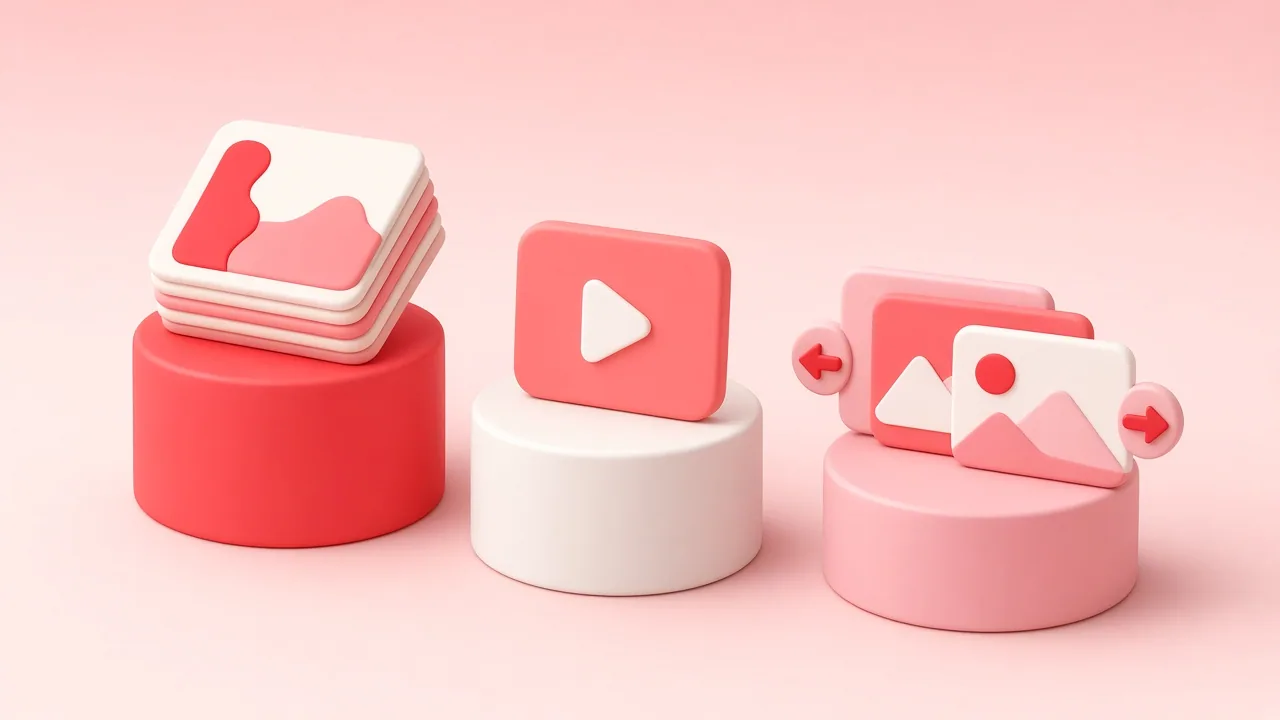
Video pins are one clip with a link, carousels are 2–5 swipeable images, and Idea Pins are multi-page posts mixing video, images and text. Use video pins for short demos, carousels for step-by-step images, and Idea Pins for longer tutorials.
Published 2026-10-31 · by the PinSaveHD team
Pinterest has reshaped its formats several times. Today most creators choose between a standard video pin, a multi-page pin (formerly Idea or Story Pin) and a carousel. Each one suits a different kind of content.
Video pins
A single clip with a title, description and outbound link. Best for one clear demonstration — a recipe step, a product in use, a quick before-and-after. Aim for 2:3 or 9:16 and grab attention in the first two seconds.
Multi-page pins
Up to 20 pages of video or images, swiped like a story. Great for step-by-step tutorials. Historically these pins could not carry a link on every page, so put your call to action on the final page and in the description.
Carousels
Two to five images in one pin, each with its own description. Perfect for product variants or “five ways to style” content.
A simple rule
One idea → video pin. A process → multi-page pin. Several options → carousel.
Need to back up your own multi-page pins? Use the Idea Pin downloader or the carousel downloader.
Written and reviewed by the PinSaveHD team. We test every step on real public pins. Spotted an error? Tell us.
Related guides
 Pinterest Video Quality: 720p, HEVC, HLS & the 4K MythWhy most Pinterest videos max out at 720p, what H.264, HEVC and HLS mean, and how to choose the right file every time.
 Download Pinterest on Phone: Android vs iPhoneWhere files end up, which browser to use and how to get pins into your gallery on Android and iOS without installing an app.
 Download Pinterest Videos on iPad and ChromebookStep-by-step instructions for iPadOS Safari and ChromeOS, where downloads are saved and how to move them into Photos or Google Drive.
Try the tools


Browse: more basics · all Pinterest guides · Pinterest downloader FAQ · all free tools